Free app for Windows 10 and 11
Sticky notes, the way Windows used to do them.
Simple notes that float on your desktop, like Windows 7 had, without the Microsoft account or OneDrive sync. A small mascot keeps you company: click it and you get a new note.
- Free to use
- Code-signed
- Installer or portable zip
- No account, no OneDrive
- Call the printer guy
- Send invoice
- Buy milk
- Lunch at 1
- Water the plant
Team demo

Notes on your desktop. Nothing else in the way.
Open a note, type, and it's saved. Drag it anywhere, and it's still there tomorrow.
Notes you can move
Drag notes anywhere on the desktop and resize them. Notes that would open half off screen, or on a monitor that's no longer connected, come back where you can see them.
Just enough formatting
Bold, italic, underline, strikethrough and bullets, with the keyboard shortcuts you already know. Written in a friendly handwritten font.
A desktop mascot
A small character sits on your desktop. Click it for a new note, right-click it to pick the color new notes start with, or hide it when you need the room.
Always one click away
Lives in the tray, next to the clock. Show or hide all your notes, or start a quick new note, from the tray icon. New notes open on the mascot's monitor.
Your notes stay yours
Saved only on your PC, with no account and no OneDrive. Uninstalling keeps your notes, and the portable version carries them on a flash drive.
Keeps itself up to date
The installed version updates itself in the background. The portable version updates with one click, right next to your notes.
New · Harder to lose
Pull out the drive. Your notes hang on.
If a save ever fails, for example because the flash drive was pulled out, Sticky Notes doesn't give up. It keeps trying, tells you in the tray, and asks before you exit, so nothing you typed slips away.
- Every save is written all the way to disk, and the previous one is kept
- A daily backup of your notes is kept for 7 days
- A damaged notes file is set aside and your notes come back from the backup
- The portable Update now only installs a release signed by Bits by BM
 Sticky NotesSticky Notes can't save your notesIt keeps trying. Your notes stay open, but don't exit until this is fixed (for example, put the drive back).Sticky NotesSticky NotesYour notes are being saved again.
Pick a desk buddy.
Five mascots, in an office set for the work PC and an edgy set for everywhere else. Switch any time from the tray menu, under Mascot Skin.
OfficeMug BossThe default. Runs on coffee and to-do lists.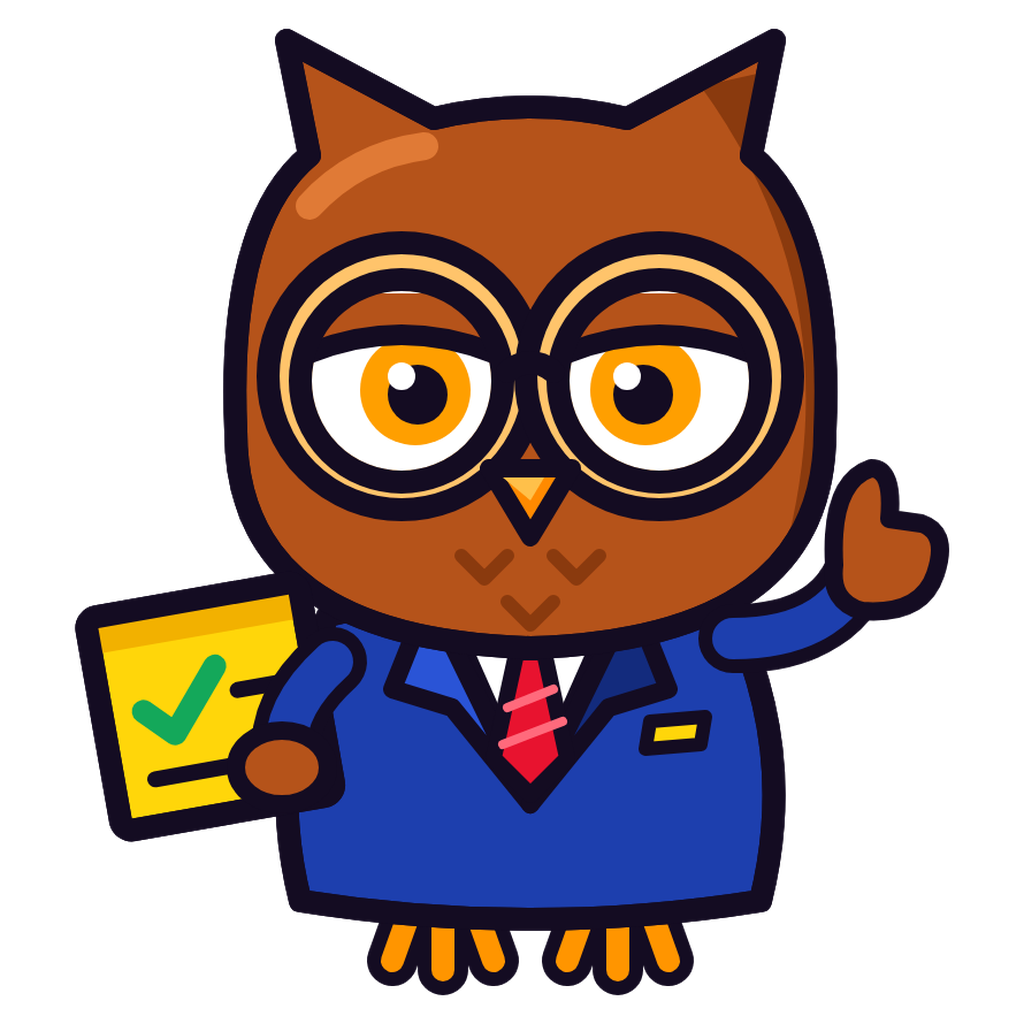 OfficeOwl AnalystChecks every box. Twice.
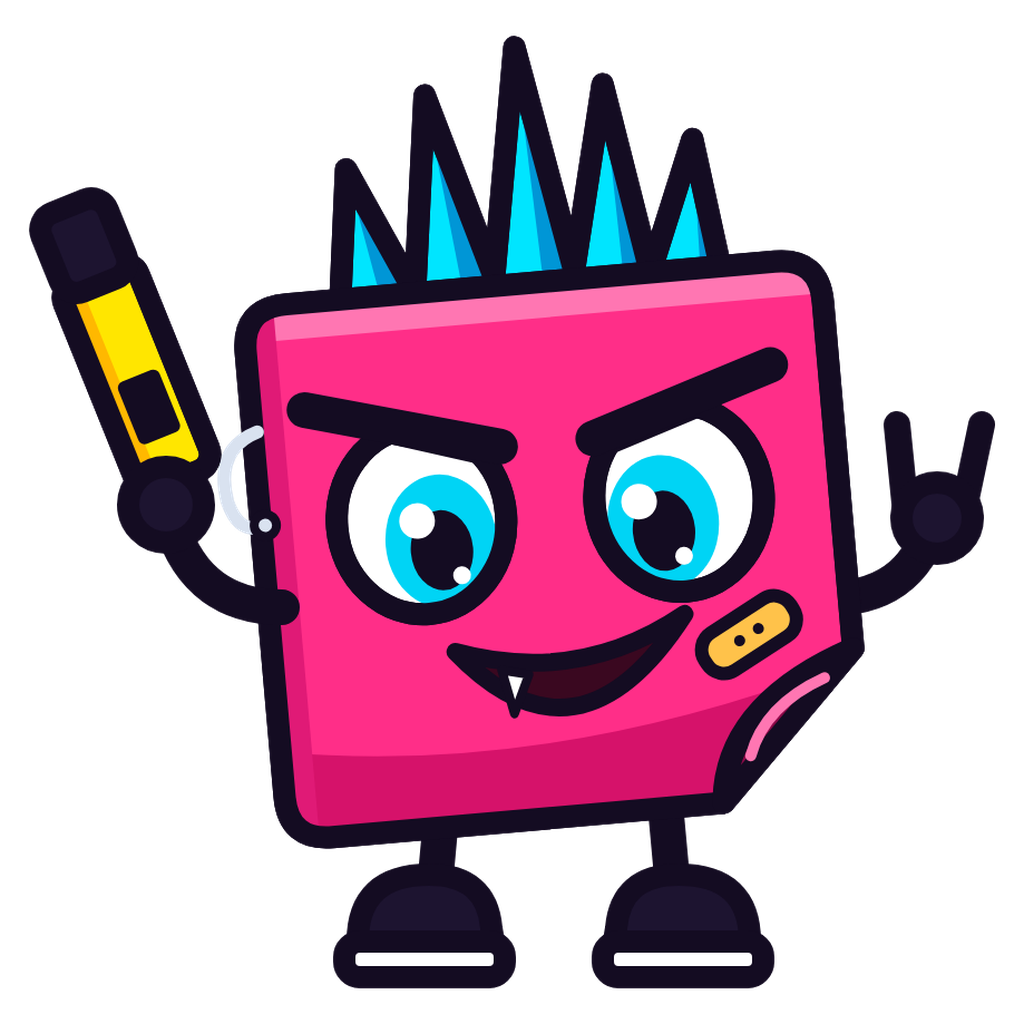 EdgyPunk NoteWrites in permanent marker.
 EdgyPinja NinjaPins your notes before you see him move.
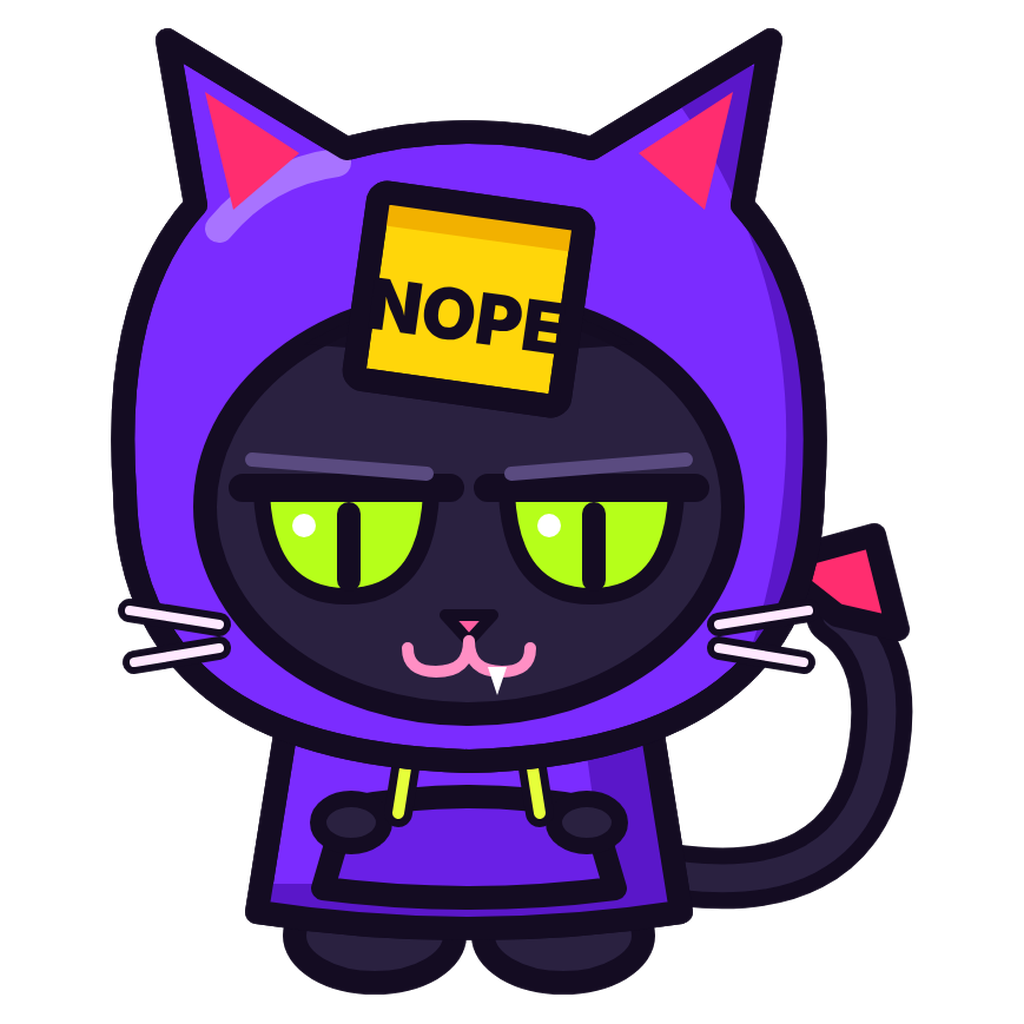 EdgyNope CatHas opinions about your meetings.
Sixteen note colors, light and dark.
Right-click a note to change its color, and pick the color new notes start with from the tray or the mascot.
Light
Dark
What you need
- 64-bit Windows 10 or 11
- Nothing else: .NET is built in
- The installer needs no admin rights, and the portable zip needs no install at all
Private by design
Your notes are saved only on your PC, in %LOCALAPPDATA%\StickyNotes, or next to StickyNotes.exe in the portable version.
The only thing Sticky Notes sends anywhere is a once-a-day check of bitsbybm.com for a newer version, with no data about you or your notes, and you can turn that off. No ads, no account, no trackers.
Put your notes back on your desktop.
Get the installer or the portable zip, the checksums and the FAQ on the Sticky Notes page at bitsbybm.com.